
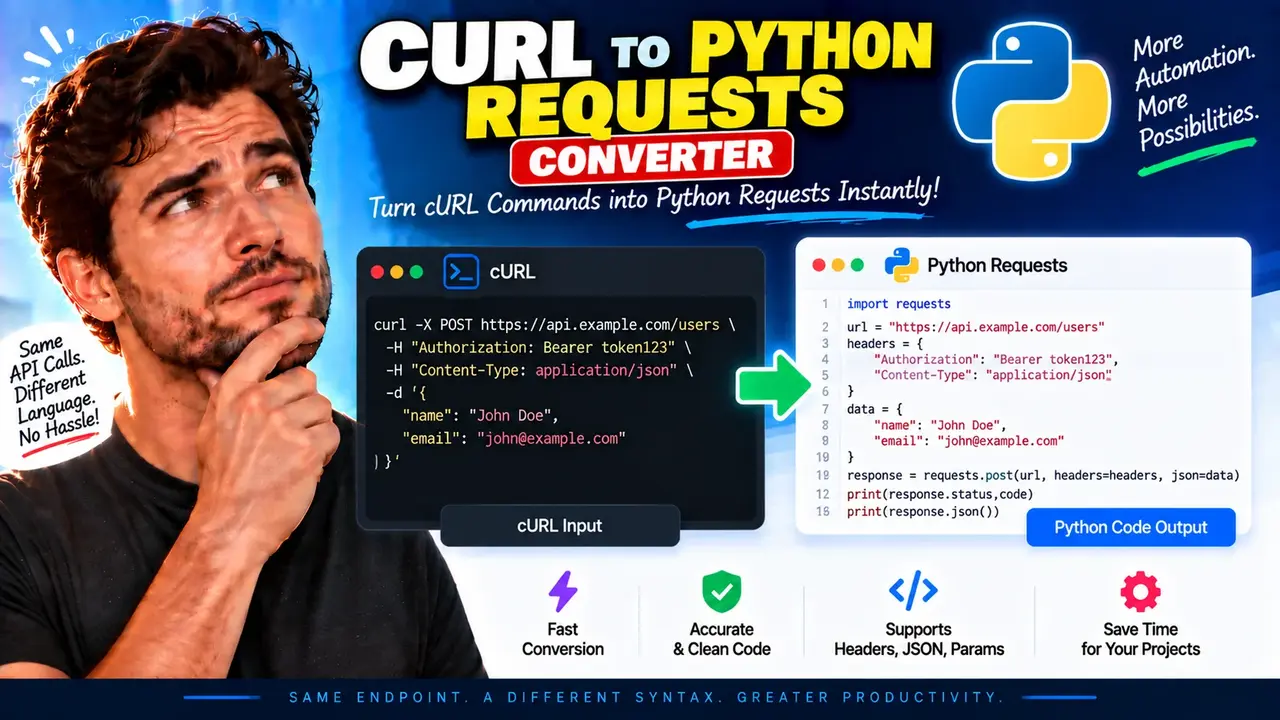
Curl To Python Requests Converter - Free & Accurate
Quick answer: Curl To Python Requests Converter is a developer utility designed to translate cURL command syntax into Python code using the Requests library. It helps developers convert HTTP request commands into Python scripts that can be reviewed, adapted, and integrated into applications, API clients, and automation workflows.
cURL commands are commonly used to test HTTP endpoints, inspect API behavior, and reproduce network requests from terminals or browser developer tools. Python's Requests library provides a Python interface for making HTTP requests. Translating a cURL command into Python Requests code can save manual effort when moving an API example into a Python project.
The Curl To Python Requests Converter is intended for developers, API testers, automation engineers, and Python programmers who need to move from a cURL-based request example to equivalent Python request code. The supplied tool information identifies the converter and its Open Graph image, but does not establish its complete parser implementation, supported cURL options, or exact error-handling behavior. Consequently, the examples and mapping guidance below describe common cURL-to-Requests transformations rather than guaranteeing support for every option in the live converter.
How to Use Curl To Python Requests Converter?
- Prepare a cURL command: Copy the HTTP request command from a terminal, API documentation, or a browser's network tools.
- Enter the command: Paste the complete command into the converter's input area.
- Convert the request: Run the conversion using the controls provided by the tool.
- Review the Python code: Check the generated method, URL, headers, query parameters, body, and authentication settings before using the result.
- Test the request: Run the Python code in an environment with the Requests package installed and compare its behavior with the original cURL command.
Input and Output Example
Consider a cURL command that sends a JSON payload to an API endpoint. A typical equivalent Python Requests implementation is shown below.
Input: cURL command
curl -X POST "https://api.example.com/v1/users" \
  -H "Content-Type: application/json" \
  -H "Authorization: Bearer YOUR_ACCESS_TOKEN" \
  -d '{"name":"Alex Morgan","role":"developer"}'
Expected Python Requests output
import requests

url = "https://api.example.com/v1/users"

headers = {
    "Content-Type": "application/json",
    "Authorization": "Bearer YOUR_ACCESS_TOKEN",
}

payload = {
    "name": "Alex Morgan",
    "role": "developer",
}

response = requests.post(
    url,
    headers=headers,
    json=payload,
    timeout=30,
)

print(response.status_code)
print(response.text)
This example demonstrates a conventional translation of a JSON POST request. The Python implementation uses requests.post(), passes the HTTP headers through a dictionary, and represents the JSON body as a Python dictionary. The timeout argument is an explicit addition for practical request handling; it is not necessarily generated by the converter.
The example uses api.example.com as a placeholder endpoint and YOUR_ACCESS_TOKEN as a placeholder credential. Replace these values with appropriate settings for your environment before testing.
cURL to Python Requests Mapping Reference
Understanding how common cURL arguments map to Requests helps you review converted code and identify differences that require manual adjustment.
| cURL syntax | Typical Python Requests equivalent | Important consideration |
|---|---|---|
curl URL |
requests.get(URL) |
A basic cURL request commonly performs GET when no other method is specified. |
-X POST |
requests.post(URL) |
The HTTP method should match the original request. |
-H "Accept: application/json" |
headers={"Accept": "application/json"} |
Preserve header names and values as required by the API. |
-G --data-urlencode "q=python" |
requests.get(URL, params={"q": "python"}) |
Query parameter encoding and repeated parameter values may need review. |
-d '{"active":true}' with JSON content type |
requests.post(URL, json={"active": True}) |
JSON data should be represented using valid Python values. |
--data "name=Alex" |
requests.post(URL, data={"name": "Alex"}) |
Form-encoded data differs from a JSON request body. |
-u user:password |
auth=("user", "password") |
Requests supports HTTP Basic Authentication through the auth argument. |
-b "session=abc" |
cookies={"session": "abc"} |
Cookie handling may require preserving multiple cookies and their scope. |
-I URL |
requests.head(URL) |
HEAD requests retrieve response headers without the normal response body. |
-L URL |
requests.get(URL, allow_redirects=True) |
Redirect behavior should be checked for the selected HTTP method. |
These are reference mappings for common request patterns, not a verified list of features supported by the live converter. Complex commands can combine several flags or depend on cURL-specific behavior that needs additional Python code.
How Does cURL to Python Conversion Work?
A cURL command contains a URL and optional arguments that configure the HTTP request. A converter must interpret the command structure and express its request components in Python syntax.
- Parse the command: Identify the URL, method, headers, authentication options, query parameters, cookies, and request body.
- Determine the request method: Resolve explicit method flags and any method implications of body-related options.
- Map request components: Translate headers, query strings, authentication, and body data into suitable Requests arguments.
- Generate Python syntax: Assemble the imports, request call, dictionaries, strings, and other necessary expressions.
- Review equivalence: Check that the resulting Python code preserves the meaningful behavior of the original command.
The Requests library documents methods such as get(), post(), put(), patch(), and delete(). Its request interface also supports parameters, headers, cookies, authentication, and request bodies. The correct mapping depends on how the original cURL command expresses those details.
Important Technical Edge Cases and Limitations
Shell quoting and escaping
cURL commands are often written for a particular shell. Single quotes, double quotes, backslashes, variable expansion, and multiline continuation characters can have different meanings across Bash, PowerShell, and other environments. A converter may not interpret every shell-specific command correctly. If conversion fails or produces unexpected values, simplify the command and inspect its quoting.
JSON and form-encoded bodies
JSON payloads and form data are not interchangeable. A JSON request can use json=, while form data commonly uses data=. Multipart file uploads may require a files= argument. Selecting the wrong body representation can change the content type or the data received by the server.
Authentication and secrets
Commands copied from real API requests may contain bearer tokens, passwords, session cookies, or private endpoint information. Avoid publishing generated code containing live credentials. Replace sensitive values with environment variables or another appropriate secret-management mechanism before sharing or committing the code.
Redirects, proxies, and TLS options
cURL supports many options related to proxies, certificates, connection behavior, redirects, and TLS verification. These options do not always have a direct one-to-one mapping to a Requests argument. Some may require a session, an adapter, custom certificate configuration, or other application code.
Repeated headers and parameters
Multiple headers with the same name, repeated query parameters, and unusual cookie combinations may require special handling. A simple dictionary cannot faithfully represent every possible repeated-header scenario. Review these cases carefully when request equivalence matters.
Empty or malformed input
An empty command, missing URL, unbalanced quotes, or malformed shell syntax may prevent reliable conversion. Check that the command is complete and syntactically valid before trying again. Exact validation messages and recovery behavior depend on the converter implementation.
Supported Patterns and Limitations
The following table distinguishes common cURL request patterns from behavior that must be verified for the actual tool.
| Request feature | Python Requests support | Converter-specific status |
|---|---|---|
| GET and POST requests | Available through request methods | Not independently verified |
| Custom HTTP headers | Available through the headers argument | Not independently verified |
| Query parameters | Available through the params argument | Not independently verified |
| JSON and form bodies | Available through json and data arguments | Not independently verified |
| Authentication and cookies | Supported through relevant arguments and sessions | Not independently verified |
| Multipart uploads and advanced TLS options | Supported with appropriate configuration | Not independently verified |
Python Requests documentation: Requests official documentation.
cURL command-line documentation: Official curl man page.
Technical note: A syntactically valid conversion does not guarantee identical behavior across environments. Validate the generated request against the original command, especially when dealing with authentication, binary data, redirects, custom certificates, or production APIs.
Frequently Asked Questions
Can a cURL command be converted into Python Requests code?
Yes. Common HTTP requests can be represented with Python Requests methods and arguments. The degree of automation depends on the converter's supported cURL syntax and options.
How are cURL headers converted to Python?
HTTP headers are commonly represented as a Python dictionary passed through the headers argument. Repeated headers or headers requiring special handling may need manual adjustment.
How should JSON request bodies be represented?
JSON bodies can be represented as Python dictionaries or other JSON-serializable objects and passed through the Requests json argument. Confirm the expected content type and body semantics.
Does every cURL option have a direct Requests equivalent?
No. Some cURL options have no direct one-to-one equivalent. Proxy configuration, certificate handling, advanced connection settings, and shell-specific behavior may require additional Python code.
Why might converted Python code return a different response?
Differences in headers, authentication, URL encoding, body serialization, redirects, cookies, TLS settings, or request method can change the server response. Compare the original command and generated code component by component.
Can generated code contain API credentials?
It can if the original cURL command contains credentials and the converter preserves them. Replace sensitive values with environment variables or secure configuration before storing or sharing the output.
Does the converter process commands locally?
The supplied tool information does not establish where conversion occurs or whether input commands are transmitted or stored. Do not enter sensitive commands unless the tool's privacy and processing behavior has been verified.
Author
Author Name: Daniel Brooks
Author Description: Software Engineer specializing in Python development, HTTP APIs, and developer tooling.
Technical Review: The technical guidance describes common cURL and Python Requests patterns. Verify converter-specific parsing behavior and test generated code before relying on it in production.
