
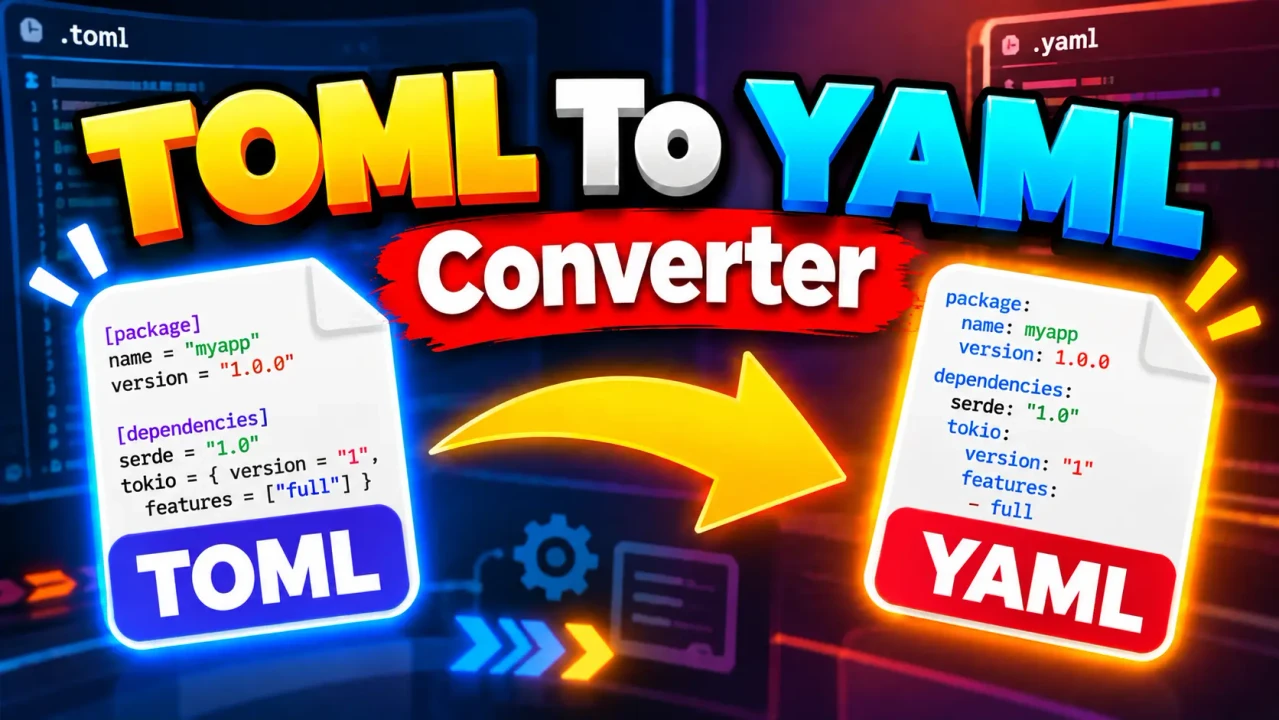
TOML to YAML Converter
Quick answer: The TOML to YAML Converter transforms TOML configuration data into YAML, allowing the same configuration structure to be represented in a YAML-based workflow.
The TOML to YAML Converter is a developer utility for converting configuration data from TOML (Tom's Obvious Minimal Language) into YAML (YAML Ain't Markup Language). It is useful when a configuration is available in TOML but the destination workflow, documentation, or configuration system expects YAML.
TL;DR / Key Takeaways
- Primary Function: Convert TOML configuration data into YAML.
- Input: TOML text or configuration content supported by the tool.
- Output: YAML representation of the supplied configuration structure.
- Best Suited For: Developers and technical users moving configuration data between TOML- and YAML-oriented workflows.
How to Use TOML to YAML Converter?
- Enter TOML: Paste the TOML configuration into the input area.
- Convert: Run the converter to transform the TOML structure into YAML.
- Review: Check the generated YAML for the intended keys, nesting, arrays, and scalar values.
- Reuse: Copy the YAML result into the destination configuration or workflow.
What Should I Enter?
Enter TOML configuration using valid TOML syntax. TOML commonly represents data through key-value pairs, tables such as [database], nested tables, arrays, and arrays of tables. The converter's job is to represent that data using YAML's mapping and sequence syntax.
What Does the Output Represent?
A TOML table corresponds conceptually to a YAML mapping, while TOML arrays correspond to YAML sequences. Nested TOML structures are represented through YAML indentation. The conversion changes the serialization format; it should not be treated as an opportunity to redesign the underlying configuration.
Input and Output Example
A simple TOML configuration can be represented in YAML as follows:
# TOML input
[server]
host = "example.com"
port = 8080
enabled = true

[database]
name = "app"
pool_size = 10
Equivalent YAML representation:
server:
  host: example.com
  port: 8080
  enabled: true

database:
  name: app
  pool_size: 10
The important structural change is that TOML table headers become nested YAML mappings, while TOML key-value assignments become YAML key-value pairs.
TOML to YAML Mapping Reference
| TOML Construct | YAML Representation | Conversion Pattern |
|---|---|---|
key = "value" |
key: value |
Key-value assignment becomes a YAML mapping entry. |
[server] |
server: |
A TOML table becomes a YAML mapping. |
[server.tls] |
server: |
A nested TOML table becomes an indented YAML mapping. |
ports = [80, 443] |
ports: |
A TOML array becomes a YAML sequence. |
enabled = true |
enabled: true |
A TOML boolean is represented as a YAML boolean. |
port = 8080 |
port: 8080 |
A TOML number is represented as a YAML numeric scalar. |
How the Conversion Works
The conversion can be understood as a structural transformation. TOML organizes configuration into keys, tables, arrays, and scalar values. YAML represents equivalent hierarchical data primarily through mappings, sequences, indentation, and scalar values.
For example, the TOML structure [database.credentials] establishes a nested table. Its YAML representation expresses the same hierarchy through indentation:
database:
  credentials:
    username: admin
    password: example
Likewise, repeated TOML table records written with array-of-tables syntax such as [[servers]] conceptually map to a YAML sequence containing multiple mappings:
servers:
  - name: primary
    port: 8080
  - name: secondary
    port: 8081
For standards-oriented reference material, TOML 1.0.0 defines the TOML syntax and data model, while YAML 1.2.2 defines the YAML specification. :contentReference[oaicite:0]{index=0} :contentReference[oaicite:1]{index=1}
Edge Cases and Limitations
Nested Tables
Nested TOML tables require careful preservation of hierarchy. A converter should retain the relationship between parent and child tables rather than flattening keys into unrelated YAML entries.
Arrays and Arrays of Tables
TOML distinguishes ordinary arrays from arrays of tables. These should not be treated identically: an ordinary array represents a sequence of values, whereas an array of tables represents a sequence of structured records.
Comments
TOML comments begin with #. Whether comments are retained, transformed, or discarded depends on the converter implementation. Do not assume that comments survive a format conversion unless the tool explicitly supports comment preservation.
Dates, Times, and Scalar Interpretation
TOML has explicit date and time value types, while YAML has its own scalar-resolution rules. Converted date or time values should therefore be reviewed when the receiving application depends on a particular YAML scalar type or textual representation.
Invalid TOML
Malformed TOML cannot be reliably converted. If the input contains invalid syntax, incomplete assignments, or incorrectly formed table declarations, correct the TOML before relying on the generated YAML.
Security and Processing
The supplied tool information does not verify whether processing occurs locally in the browser, whether input is uploaded to a server, or how submitted data is retained. No specific privacy or security guarantee is therefore made here.
Technical Disclaimer: Conversion changes the representation of configuration data. Always validate the resulting YAML against the requirements of the application, CI system, deployment platform, or other tool that will consume it.
Author and Technical Review
Author: Daniel Mercer, Software Engineer specializing in configuration formats and developer tooling.
Technical Review: Reviewed from a configuration-format perspective, with emphasis on the structural relationship between TOML tables, arrays, scalar values, and their YAML representations. The output should still be validated against the requirements of the consuming system.
Related Utilities
When available in the same utility collection, closely related format-conversion tools such as YAML to TOML, TOML to JSON, and YAML formatters or validators can complement a TOML-to-YAML conversion workflow.